

All docs
XML Sitemap
A search engine finds your pages by following links, one page to the next. A page with few links to it may be found late, or not at all. A sitemap is the whole list, at one address, so nothing depends on being linked. Joomla does not make one by itself.
XML Sitemap is the fourth screen under SEO in the sidebar. It is one screen of six numbered sections.
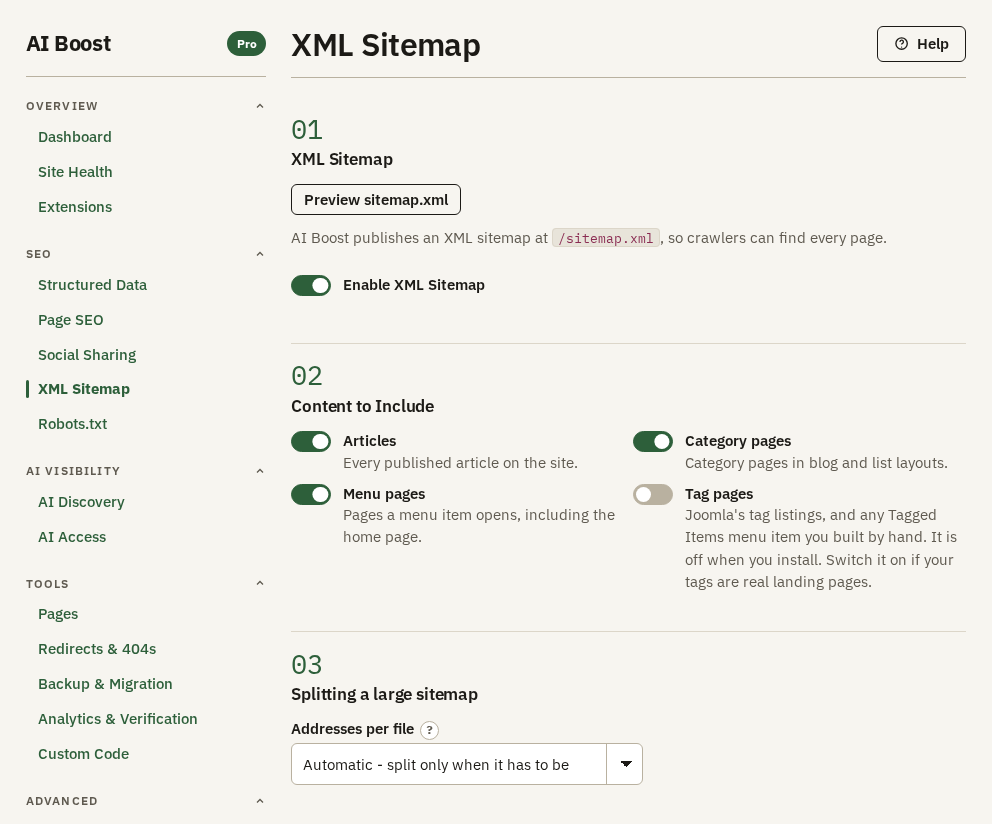
Switch it on
Enable XML Sitemap is off when you install, because it puts a new public file on your domain. Switch it on and your sitemap is served at /sitemap.xml straight away. There is no file to upload and nothing to change on the server.
Preview sitemap.xml fetches the file the way a search engine does and reports what it found, the number of addresses, the newest date, and whether the file reads as a sitemap at all.
What goes in it
Four switches decide which kinds of page are listed. Articles, Category pages and Menu pages are on when you install. Tag pages is off, because a tag listing usually holds little of its own.
The rules behind those switches are strict on purpose:
- An article is listed only when it is published and a visitor who is not logged in can read it.
- A menu item that opens an article already listed is not listed twice.
- The home page is always listed.
- A page kept out of search on Page SEO leaves the sitemap too.
To leave out one page, open Pages, find it on the Overview tab and set its In sitemap answer. This screen stays about whole kinds of page.
An address carries its lastmod, the date it last changed, whenever AI Boost knows one, so a search engine knows what to read again. The home page and menu pages with no date of their own carry none. No address carries a priority and no changefreq. Google and Bing both say they ignore those two, so writing them would add a line to every address and change nothing.
A part of the hotel's sitemap looks like this:
<url>
  <loc>https://example.com/</loc>
</url>
<url>
  <loc>https://example.com/park-blog/first-blog-post</loc>
  <lastmod>2026-09-28</lastmod>
</url>
A large sitemap
On a large site, one file would be too big to read in one go. Addresses per file decides how many addresses go into a file before a second one starts, with an index in front that lists the files. Leave it on the automatic choice, the first in the list, unless your host limits file size. AI Boost then splits the sitemap only when it has to.
Hand it to Google and Bing
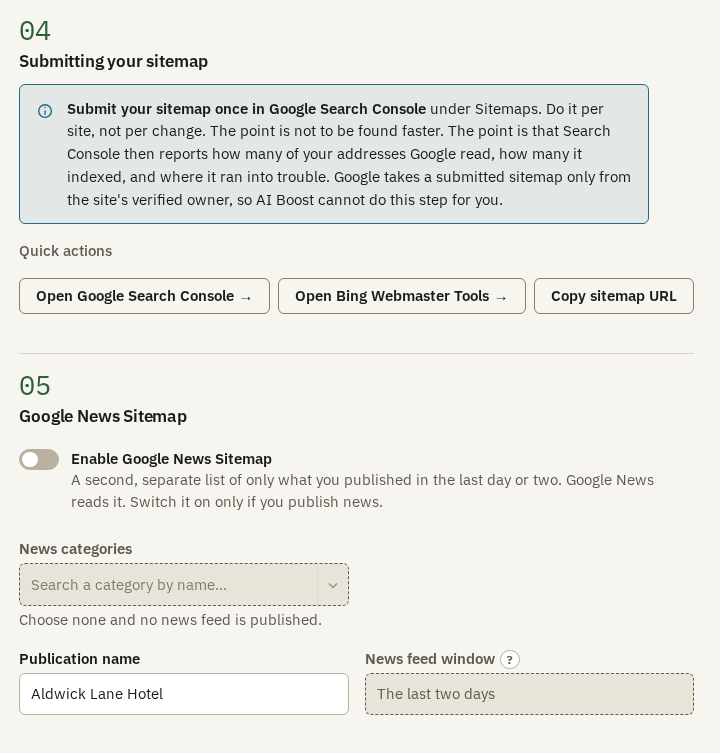
Submit the sitemap once in Google Search Console, under Sitemaps. Once per site is enough, not once per change. What you gain is the report that follows. Search Console tells you how many of your addresses Google read, how many it indexed and where it ran into trouble.
Search Console takes a submitted sitemap only from the site's verified owner, which is why AI Boost cannot do this step for you. Google can also find the sitemap on its own, through the Sitemap line AI Boost writes into robots.txt once you let it write there, but only Search Console gives you the report. The quick actions open Google Search Console and Bing Webmaster Tools, and Copy sitemap URL puts the address on your clipboard. If you have not proved you own the site yet, Analytics & Verification does that.
Google News
Enable Google News Sitemap serves a second list of only what you published in the last day or two, which is what Google News reads. Choose the News categories that hold your news. Their articles, and those in categories beneath them, are what the list offers. With no category chosen there is no news list at all.
A hotel does not publish news, so the test site leaves it off. A local paper or a trade magazine would switch it on, choose its news categories, and type its masthead into Publication name.
Images and languages
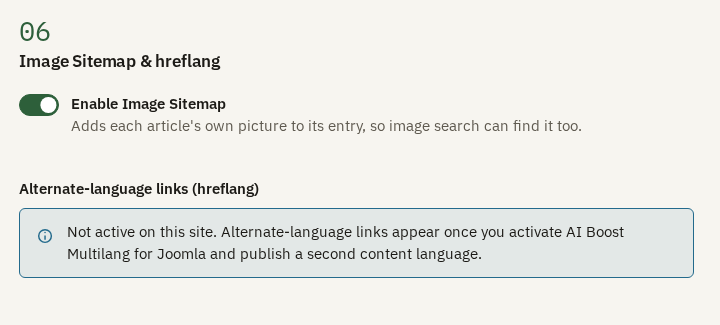
Enable Image Sitemap adds each article's intro image and full article image to its entry, so a photograph can turn up in image search in its own right.
The alternate-language links, known as hreflang, tell a search engine which language version of a page to show to whom. They will come from AI Boost Multilang for Joomla, which is coming soon, on a site that publishes at least two content languages. On a site with one language there is nothing to add, because there is no alternate to point at.
Check it on your site
Open /sitemap.xml on your domain in a browser. Site Health reads it too, and reports whether it answered and how many addresses it held. Days after you submit it, the Sitemaps report in Search Console shows how many of those addresses Google indexed.